
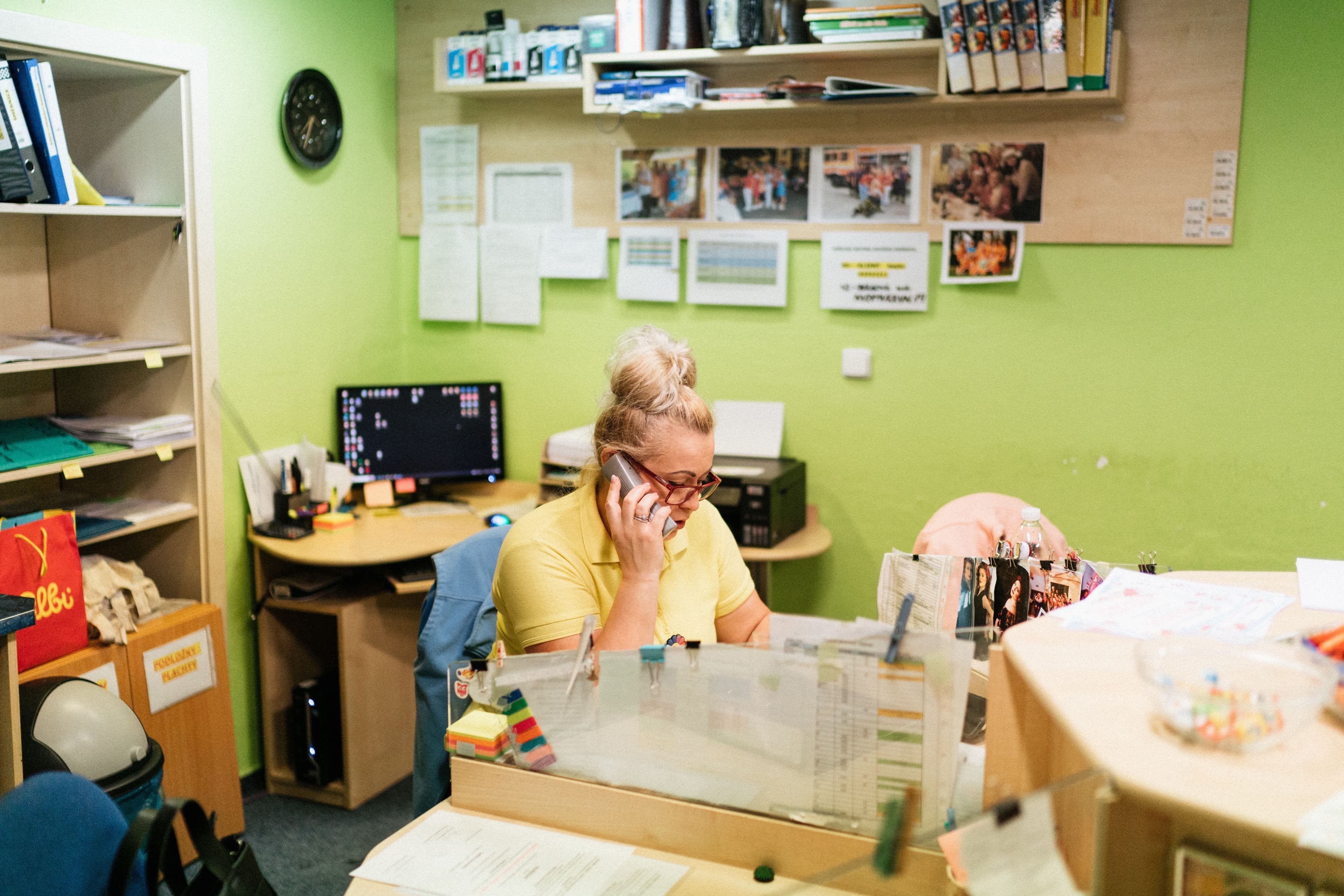
In this guide
A dental missed-call follow-up workflow records the enquiry, assigns a callback owner and sets after-hours rules. Keep sensitive clinical details out of general callback lists and hand clinical questions to the appropriate member of the practice team.
Keep one callback list
Use a callback queue inside your approved practice system. Avoid keeping separate lists in notebooks, personal phones and shared spreadsheets.
Record enough information for someone to act: when the call arrived, the callback number, the caller’s name if known, the owner and the next action. If you do not know why someone called, write “reason not yet confirmed.”
Check for an open enquiry before creating another task. Someone who calls twice should not receive overlapping callbacks from two receptionists.
Keep detailed symptoms, medical history and treatment information out of a general sales CRM or task board. If a voicemail contains information a clinician needs, preserve it through your approved patient-record process. A brief callback list should not mean an incomplete clinical record.
Names and phone numbers still need protection. The UK General Dental Council’s confidentiality standards cover personal details as well as clinical information, and include responsibilities for non-registered team members. [1]
Give each enquiry an owner
Assign the callback to a named person, with a backup for breaks, absence and busy periods. “Reception” is not specific enough when several people share the desk.
Set a callback target your team can realistically meet during opening hours. Keep it separate from the clinical escalation process. A routine booking enquiry and a request for clinical advice should not automatically follow the same timetable.
Use this record as a starting point:
Received: [date and time]. Caller: [name or unknown]. Callback number: [number]. Contact preference: [confirmed preference or unknown]. Reason: [administrative category or not yet confirmed]. Owner: [staff member]. Next action due: [date and time]. Last action: [brief factual note]. Status: [assigned, attempted, awaiting response, escalated or resolved].
Before a shift ends, review anything still open. The outgoing receptionist should explain what has happened and what is needed next. The incoming owner should acknowledge the handover.
Need help with patient enquiry follow-up?
Send an acknowledgement you can stand behind
An acknowledgement tells the caller what happens next. It does not confirm an appointment, resolve the enquiry or replace a callback.
Before enabling automated texts, have your privacy lead confirm that the channel, recipient details and messaging arrangements are appropriate. Respect recorded communication preferences. Do not treat a missed call as permission to add someone to a marketing sequence.
For an approved messaging channel, adapt this template:
Thank you for calling [Practice]. We were unable to answer. Our reception team will return your call [realistic timeframe during opening hours]. Please do not send medical details by text. For urgent dental help, call [approved urgent-care number]. This message does not confirm an appointment.
Complete every placeholder before using the message. If the promised callback window is regularly missed, adjust the staffing or the promise.
For voicemail, keep the message brief and avoid unnecessary details. HHS guidance for US providers covered by HIPAA advises limiting information disclosed in messages and accommodating reasonable requests for confidential communication. That guidance is not blanket permission for every automated texting setup. [2]
Tell after-hours callers what to do
Your voicemail, website and automated reply should agree on three things:
- When the practice reopens.
- Whether messages are monitored while it is closed.
- Where callers can get urgent help.
If nobody checks the inbox overnight, say so. An instant automated acknowledgement should not imply that someone is available to respond.
An after-hours message could read:
Thank you for calling [Practice]. We are closed and reopen [day, date and time]. Messages are not monitored while we are closed. For urgent dental help, contact [approved out-of-hours service and number]. For routine enquiries, our reception team will return your call [realistic timeframe after reopening].
Have your clinical lead approve the urgent-care instructions and add locally appropriate emergency guidance. Update the message for holidays and unexpected closures. In the UK, the GDC specifically requires clear information about emergency care, including out-of-hours arrangements. [3]
Make the human handoff explicit
Reception staff need a clinician-approved escalation script, not an expectation that they will diagnose a problem from a voicemail.
Requests for clinical advice, uncertainty about urgency and concerns identified under that script should go to the designated clinical team. Emergency instructions must not depend on someone eventually opening the callback queue.
For example, NHS guidance directs people with toothache and swelling that makes breathing, swallowing or speaking difficult to emergency care. This is a UK reference, not a complete triage checklist. Use the emergency instructions and contact numbers approved for your location. [4]
A practical internal handoff rule can read:
If the enquiry needs clinical judgement or its urgency is unclear, contact [designated clinician or triage service] through [approved channel]. Record when the handoff was made and who accepted it. If receipt is not confirmed within [clinician-approved interval], use [backup route]. Follow the emergency protocol immediately where indicated.
Do not mark a handoff complete just because a notification was sent. The receiving person should accept ownership. If there is a clinical concern and the caller cannot be reached, a clinician should decide the next step.
Automate the administration first
Task creation, duty-based assignment, approved acknowledgements and overdue reminders can all use straightforward automation. You do not need AI for every step.
AI-assisted summaries or enquiry classification may be useful later, but only in a system approved for the information being handled. Any interpretation that affects care needs appropriate human review. AI should not decide that a caller is safe to leave until tomorrow.
Plan for ordinary failures too:
- A failed text should create a visible task.
- A wrong number should stop further messages.
- An incoming reply should notify the owner and pause conflicting reminders.
- A system outage should trigger an agreed manual fallback.
Start with the smallest setup your team can reliably manage. Adding channels and tools creates more places to check unless ownership stays clear.
Check whether the enquiry was resolved
Use outcomes that describe what happened: appointment booked, administrative question answered, clinical handoff accepted, caller declined further contact, or unable to reach under the approved follow-up policy.
“Message delivered” is an activity, not a resolution.
Review unresolved enquiries and overdue callbacks each week. Measure the time to the first human callback attempt separately from the automated acknowledgement. Remove spam and duplicate calls before drawing conclusions from the numbers.
Before rolling out the workflow, test it with synthetic enquiries:
- Make a test enquiry during opening hours and confirm that a callback owner is assigned.
- Test the after-hours message and check its opening times and urgent-care details.
- Carry an unresolved test enquiry across a shift change and confirm that the next owner accepts it.
- Simulate a failed acknowledgement and check that the failure becomes visible.
- Run a handoff exercise with your clinical lead using an approved training scenario.
The first improvement may be a clearer handover rather than new software. Get that working, then automate the parts your team should not have to remember.
This is an operational template, not a clinical triage protocol. Have your clinical lead and privacy lead adapt it to your practice before use.
Before adding more software, make sure every missed enquiry has a named owner, a realistic callback time and a clear route to clinical staff when needed. Use automation to handle acknowledgements and reminders, while keeping people responsible for follow-up and clinical decisions.